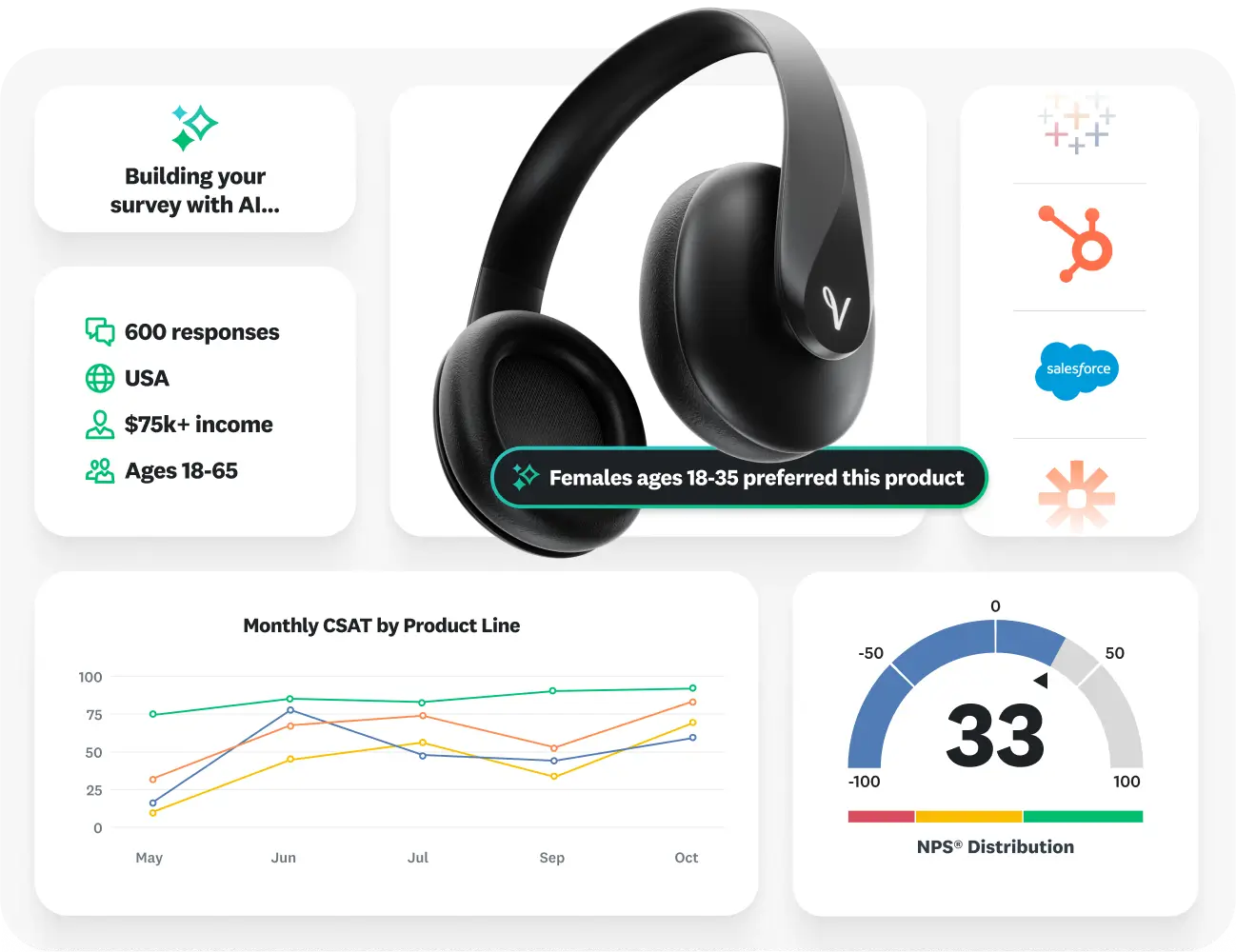
In today’s fast-paced digital world, gathering feedback and understanding your audience is more important than ever. Whether you are a business owner, marketer, educator, or researcher, collecting accurate and actionable insights can make a huge difference. This is where SurveyMonkey comes in. Renowned as one of the leading online survey platforms, SurveyMonkey has transformed the way individuals and organizations create, distribute, and analyze surveys.
What is SurveyMonkey?
SurveyMonkey is a cloud-based survey software that allows users to design surveys, collect responses, and generate reports with ease. Founded in 1999, the platform has grown to serve millions of users globally. Its intuitive interface and advanced features make it suitable for both beginners and professionals who need reliable data collection tools.
Unlike traditional survey methods, which can be time-consuming and prone to errors, SurveyMonkey provides a streamlined, digital solution. Users can create customized surveys tailored to their audience, distribute them across multiple channels, and analyze the results in real-time.
Key Features of SurveyMonkey
SurveyMonkey stands out in the crowded survey software market because of its comprehensive features. Some of the most notable ones include:
1. Easy-to-Use Survey Builder
The platform offers a drag-and-drop survey builder, which allows users to create professional-looking surveys without any coding knowledge. From multiple-choice questions to open-ended responses, the tool supports a wide variety of question types.
2. Customizable Templates
SurveyMonkey provides hundreds of pre-designed survey templates for different industries and purposes, such as customer satisfaction, employee engagement, event feedback, and market research. These templates save time while ensuring your survey remains professional and effective.
3. Advanced Logic and Branching
For more complex surveys, SurveyMonkey offers logic features such as skip logic, question randomization, and piping. These tools allow you to create personalized survey experiences based on respondents’ answers, improving engagement and data quality.
4. Multi-Channel Distribution
SurveyMonkey allows users to share surveys via email, social media, embedded links, QR codes, or directly through websites. This flexibility in distribution ensures that surveys reach the right audience efficiently.
5. Real-Time Analytics and Reporting
SurveyMonkey provides robust analytics tools to analyze survey responses in real-time. Users can visualize data with charts, graphs, and tables, as well as export results for deeper analysis in Excel, SPSS, or other analytics platforms.
6. Integration with Popular Tools
SurveyMonkey integrates seamlessly with popular business tools like Salesforce, HubSpot, Microsoft Teams, Slack, and Mailchimp. This integration simplifies workflow automation, data management, and reporting, making the platform ideal for businesses of all sizes.
7. Data Security and Privacy
SurveyMonkey ensures that all survey data is protected with advanced encryption and adheres to strict privacy policies. Users can also comply with GDPR, HIPAA, and other regulations, making it a trusted choice for sensitive data collection.
Why Businesses Choose SurveyMonkey
Businesses across industries rely on SurveyMonkey because it enables them to make data-driven decisions. Here are some of the reasons why it has become the go-to survey platform:
1. Customer Feedback and Satisfaction
Understanding customer needs is critical for business success. SurveyMonkey helps companies gather valuable feedback on products, services, and overall customer experience, which can be used to improve offerings and increase satisfaction.
2. Employee Engagement
Engaged employees are more productive and motivated. Companies use SurveyMonkey to conduct employee satisfaction surveys, performance evaluations, and pulse surveys to monitor engagement levels and identify areas for improvement.
3. Market Research
For businesses looking to enter new markets or launch new products, SurveyMonkey provides the tools to conduct market research surveys, analyze customer preferences, and understand industry trends.
4. Event Planning and Feedback
SurveyMonkey helps event organizers collect attendee feedback, plan better events, and measure success. From conferences to webinars, survey responses provide insights into what worked well and what needs improvement.
5. Educational Purposes
Educators and institutions use SurveyMonkey to gather student feedback, course evaluations, and research data, making it a versatile tool beyond just the corporate environment.
Pricing Plans
SurveyMonkey offers flexible pricing plans to cater to different user needs:
- Free Plan: Suitable for individuals who need basic surveys with limited questions and responses.
- Standard Plan: Offers additional features such as unlimited surveys, more responses, and basic analytics.
- Premium Plan: Includes advanced features like custom branding, logic, integrations, and enhanced reporting.
- Enterprise Plan: Designed for large organizations with enhanced security, dedicated support, and enterprise-level features.
These plans make SurveyMonkey accessible to everyone, from individual users to large corporations, ensuring that users pay only for the features they need.
Benefits of Using SurveyMonkey
Using SurveyMonkey brings numerous advantages:
- Time-saving: Quickly create surveys with templates and a drag-and-drop builder.
- High response rate: Personalized surveys with logic and branching keep respondents engaged.
- Accurate insights: Real-time analytics and advanced reporting tools help make informed decisions.
- Professional design: Customizable templates and branding options make surveys look polished.
- Accessibility: Surveys can be completed on any device, ensuring maximum reach.
Tips for Creating Effective Surveys on SurveyMonkey
To maximize the effectiveness of your surveys, consider these best practices:
- Keep it concise: Long surveys can discourage responses. Aim for 5–15 questions.
- Ask clear questions: Avoid ambiguity to ensure accurate responses.
- Use a mix of question types: Include multiple-choice, rating scales, and open-ended questions for comprehensive insights.
- Test your survey: Before distribution, test the survey internally to catch any errors.
- Analyze and act: Use SurveyMonkey’s analytics tools to interpret data and implement changes based on feedback.
By following these tips, you can ensure higher engagement and better-quality data.
Final Thoughts
SurveyMonkey is more than just a survey tool; it’s a complete feedback management system that empowers individuals and organizations to understand their audience better. With its user-friendly interface, powerful features, and robust analytics, it simplifies the process of collecting and analyzing data. Whether you are looking to improve customer satisfaction, engage employees, conduct market research, or gather educational insights, SurveyMonkey offers the flexibility and tools to make your surveys impactful and actionable.
By leveraging SurveyMonkey, you gain the power of data-driven decision-making, which is essential in today’s competitive world. Start gathering meaningful feedback, make informed decisions, and watch your business or project grow with SurveyMonkey.